Drawing and coloring app for children · iPhone, iPad and Android

A pocket-sized art studio for little artists

Tindryx lets children draw freely, color 200 pictures, solve drawing challenges and mazes, play memory and do puzzles with their own drawings – and release their painted fish into an aquarium of their own.

Coming soon to the App Store Coming soon to Google Play See what's in the app
  • No ads
  • No in-app purchases
  • No account
  • Works offline
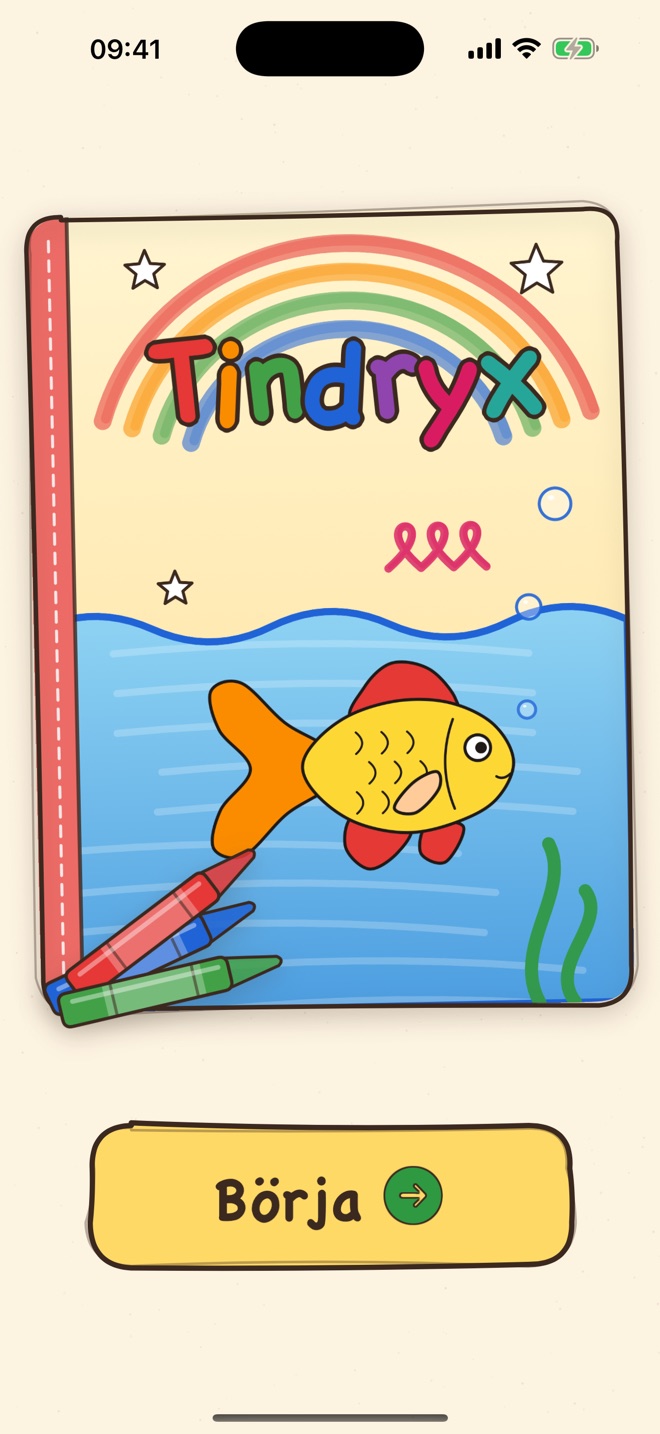
The Tindryx welcome screen: a coloring book cover with a goldfish and the Start button
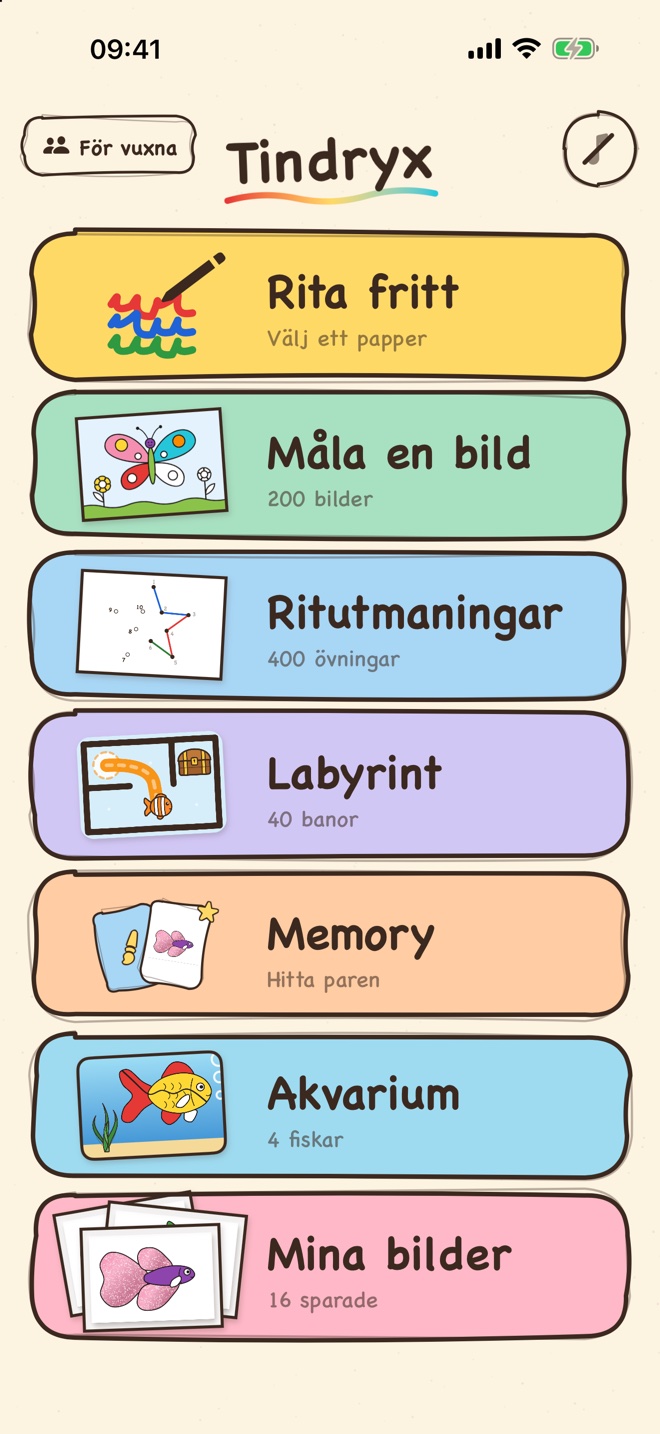
The Tindryx activity menu with Free Draw, Color a Picture, Challenges, Maze, Memory, Aquarium and My Pictures

Features

Lots to discover – no stress

Big buttons, clear pictures and short, simple words make it easy for children from about four years old to manage on their own.

Free drawing and coloring

Pencil, brush and glitter at a tap

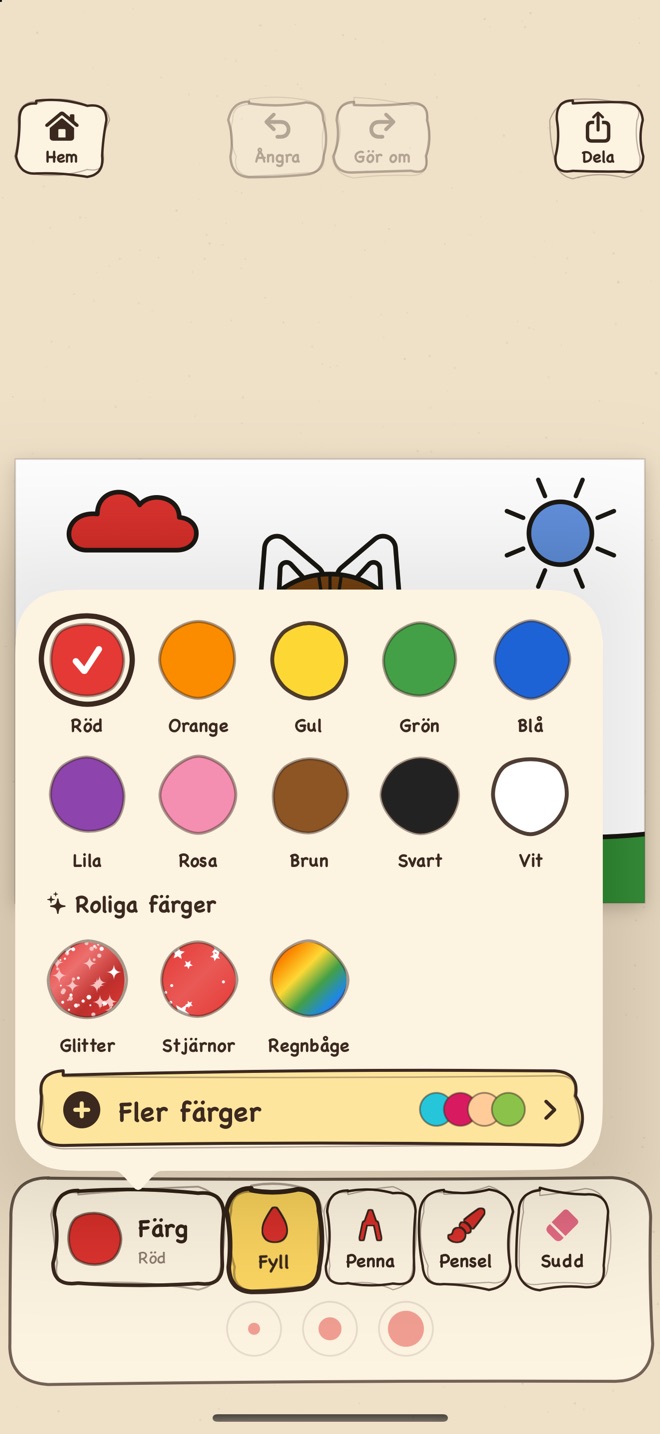
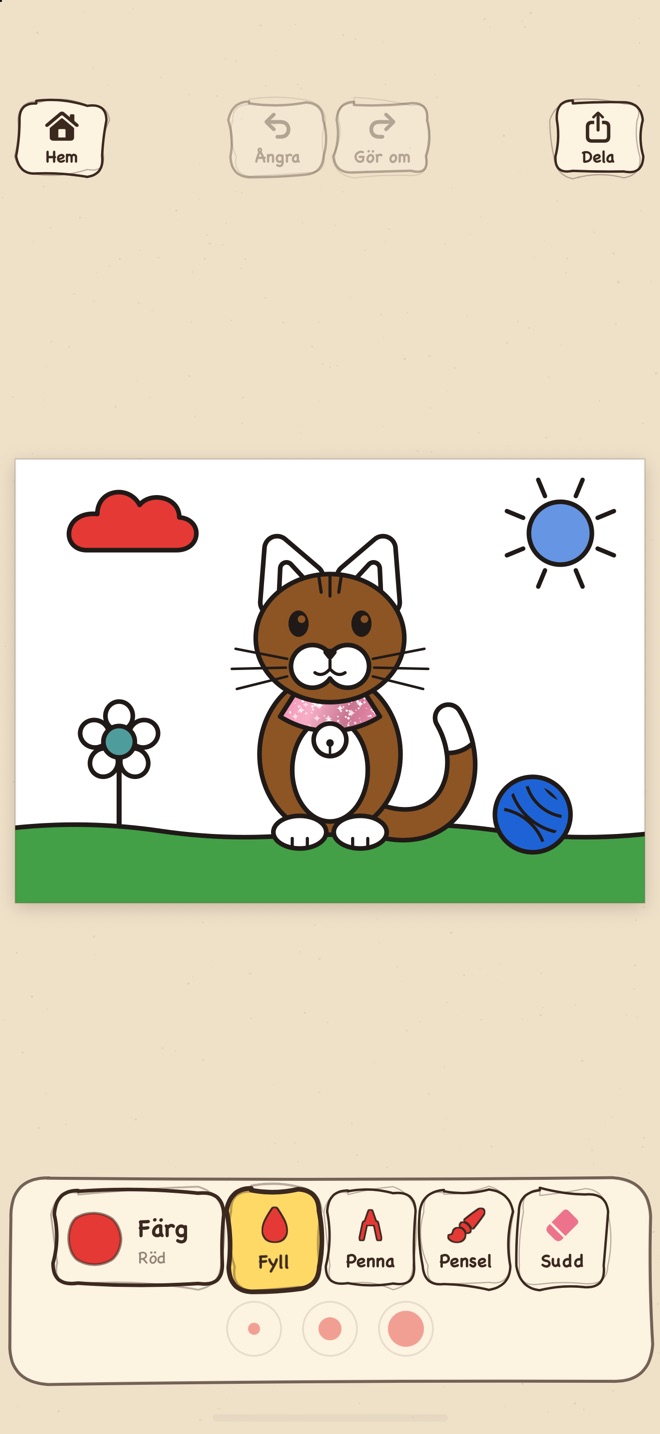
Children draw freely on 29 different papers or color any of 200 pictures in eight themes – from Christmas and space to the ocean and fairy tales. Fill areas with a single tap, draw your own lines on top and choose from ten big colors, glitter, stars, rainbow and your own mixed colors.

  • Ten big colors, right on screen
  • Undo and redo, one line at a time
  • Works in portrait and landscape
The color palette with ten colors and Fun Colors
A colored-in cat in the coloring view

Challenges

400 challenges for little hands

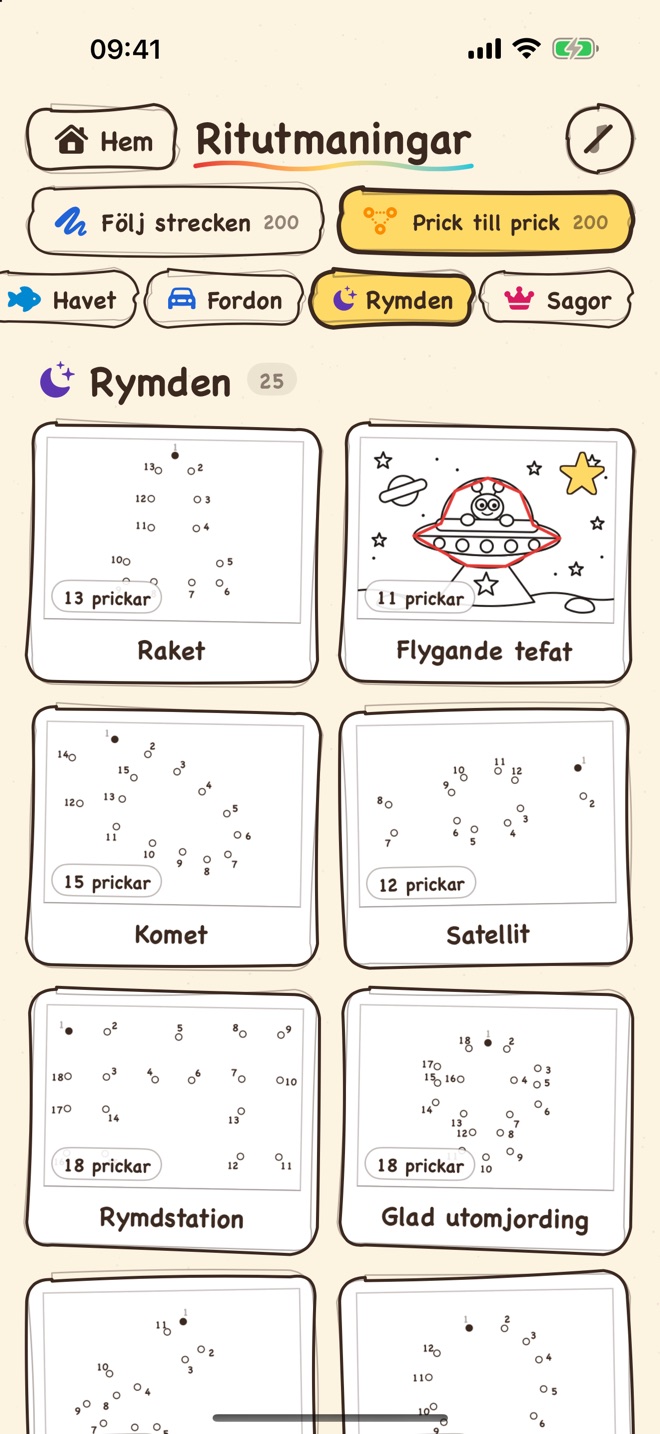
In Trace the Lines and Dot to Dot, children practice drawing lines and finding the next number – at their own pace and without blinking hints. When the figure is finished, it can be colored in right away.

  • Generous touch areas for small fingers
  • Progress is saved automatically
  • Happy stars when the figure is finished
The list of Dot to Dot challenges in the Space theme

Maze

40 mazes, from easy to super hard

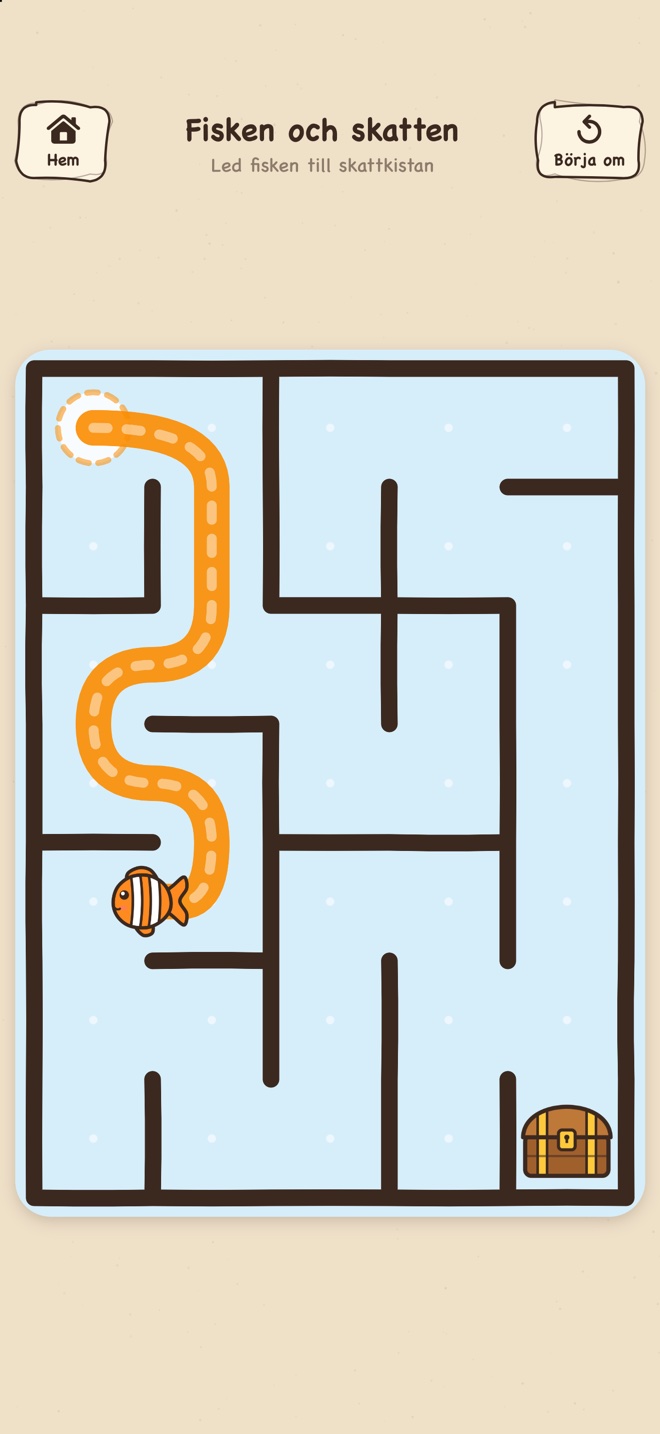
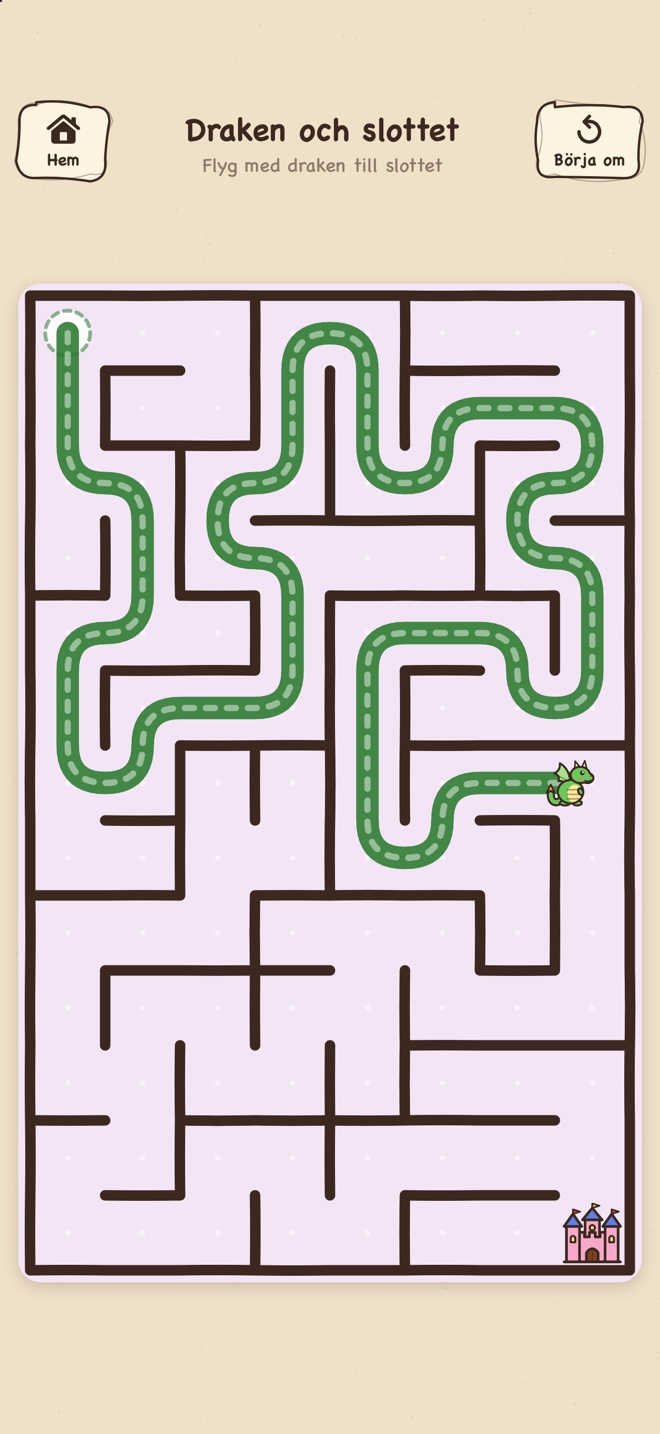
Children drag a fish to the treasure chest, a car to the garage or a dragon to the castle, and a colored trail shows the way. The figure stops at the walls, and anyone who ends up in a dead end simply goes back. There are four difficulty levels with ten mazes each, and all of them are open from the start.

  • Wide paths for small fingers
  • The trail gets shorter when you go back
  • The maze fills the screen, upright or sideways
An easy maze where the fish is on its way to the treasure chest with an orange trail behind it
A super hard maze where the dragon has made it a long way toward the castle

Aquarium

Painted fish that really swim

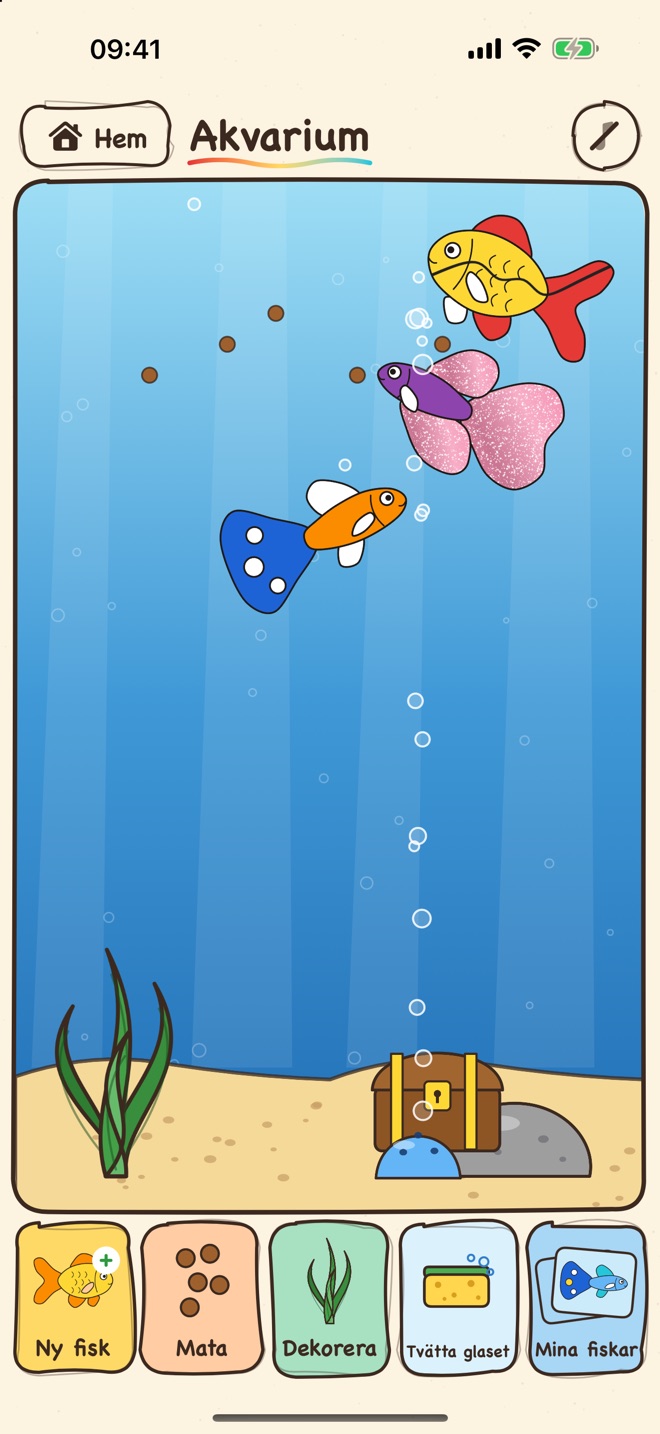
Children color a goldfish, guppy, angelfish or betta fish and release it into the water. The fish swim in their own colors, say hello when you tap them and swim over when it's feeding time. Decorate with plants, rocks and a treasure chest – and clean the glass when it's needed.

  • Up to three fish swim at the same time
  • Feed, decorate and clean the glass
  • The fish stay in My Fish
Three painted fish swimming towards the food in the aquarium

Memory and puzzles

Play with their own drawings

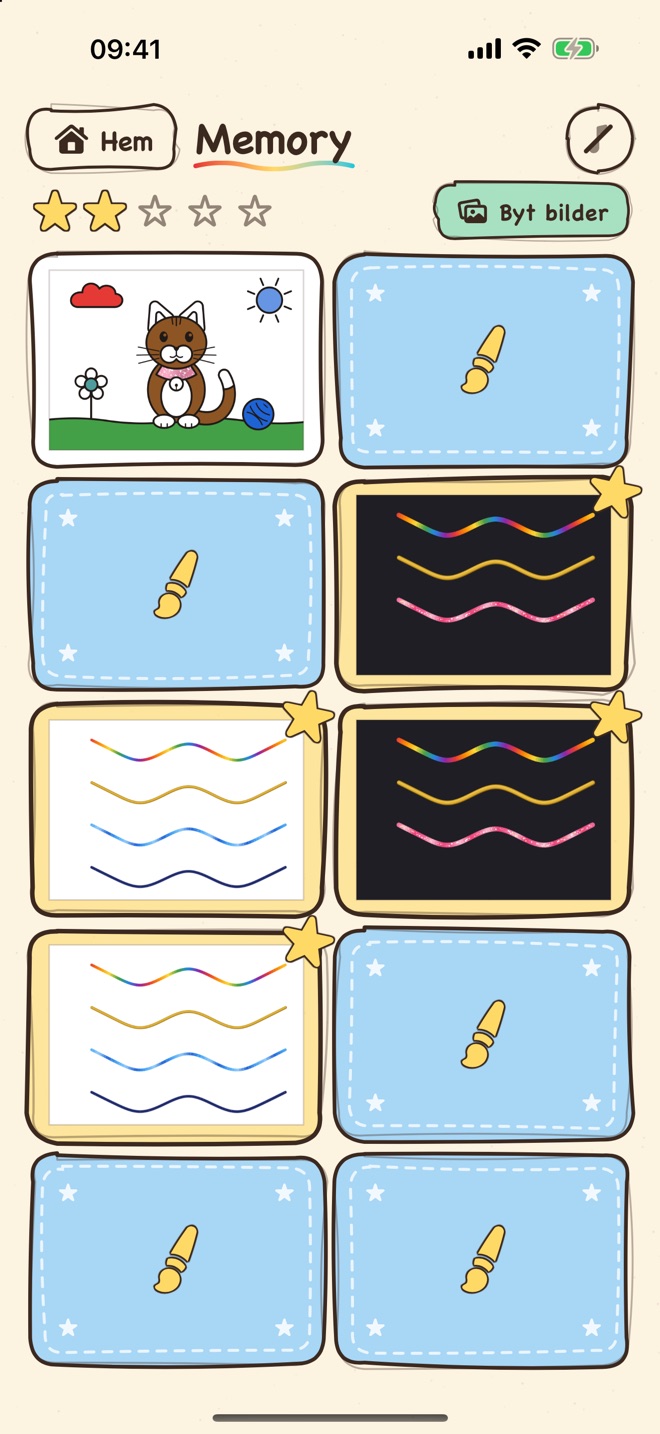
The child's pictures become memory cards and puzzles. Pick two to eight favorites for Memory, or turn a drawing into a puzzle with 4 to 12 pieces that snap gently into place.

  • Memory with up to 16 cards
  • Puzzles with 4, 6, 9 or 12 pieces
  • Play at the child's own pace
Memory with the child's own drawings and two pairs found
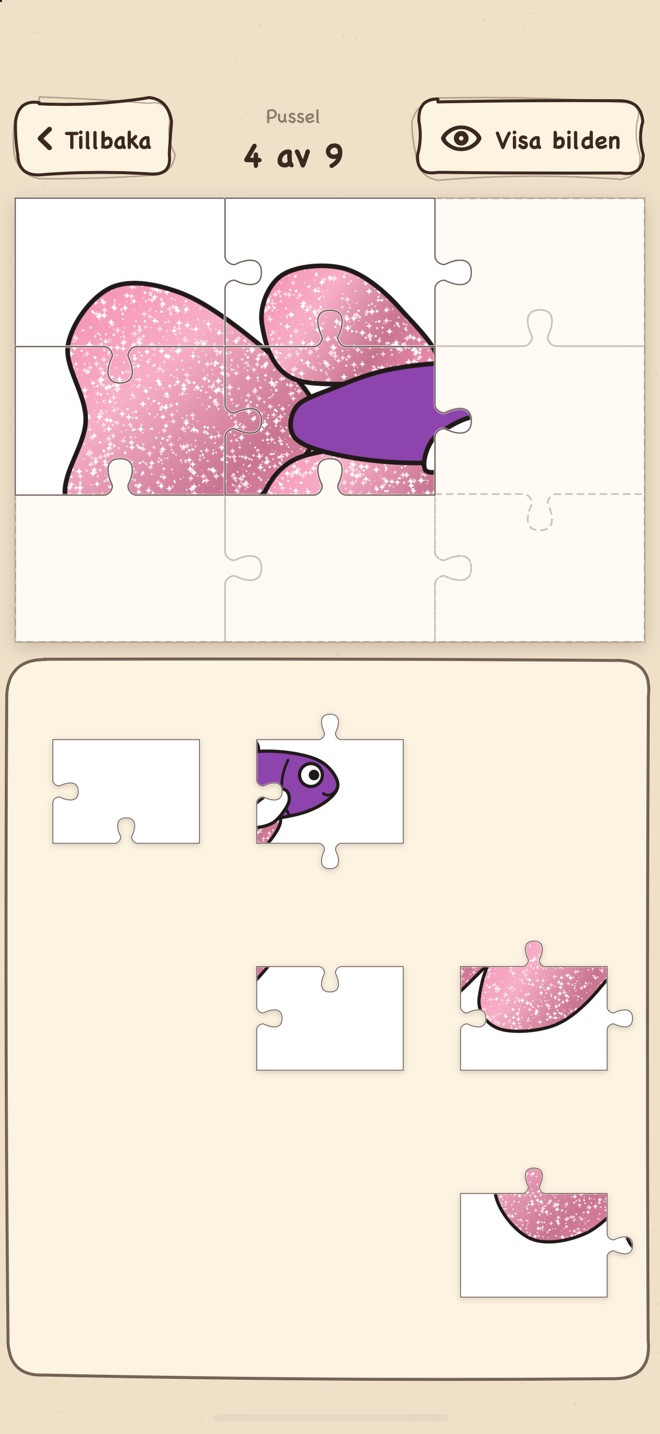
A puzzle of a painted betta fish, four of nine pieces in place

My Pictures

Everything saves itself

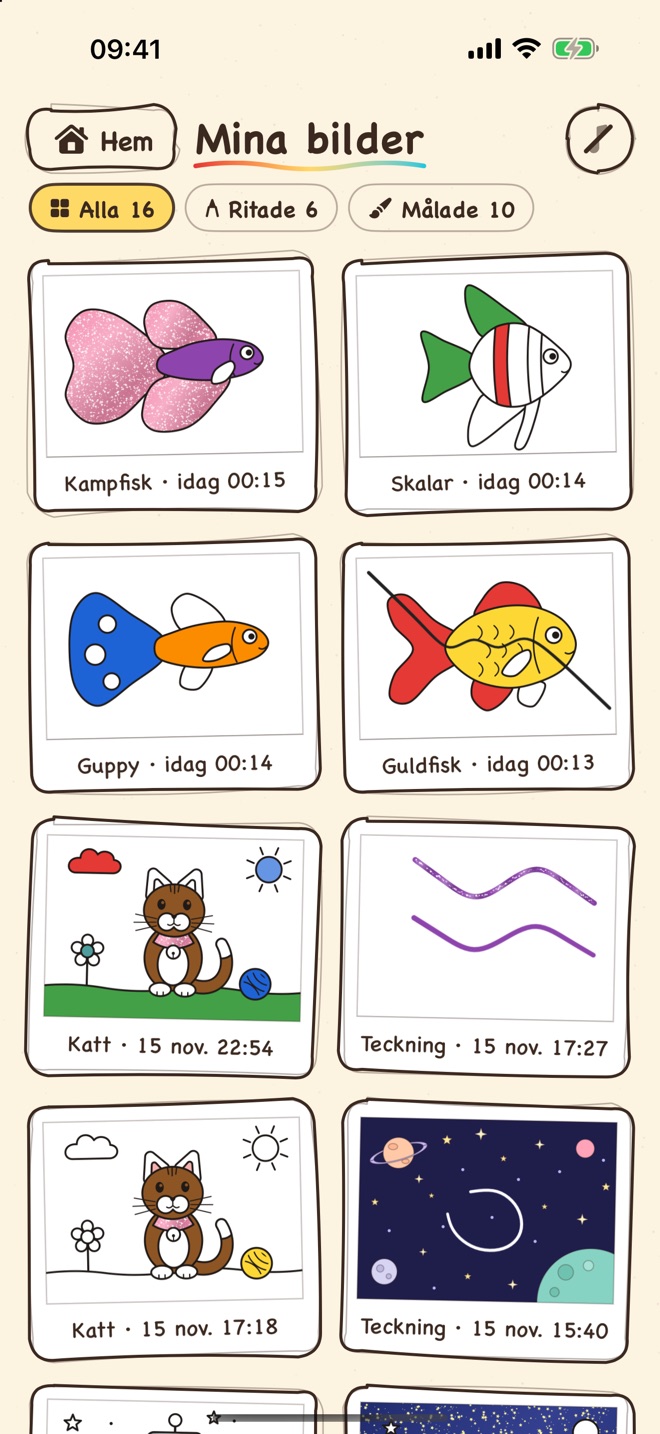
Every drawing is saved automatically on the phone and collected in My Pictures. There, children can keep drawing, do a puzzle or show off their work – and an adult can share a picture after a short check question.

  • No account and no internet connection
  • Keep drawing on earlier pictures
  • Sharing only after an adult check
My Pictures with fish, cats and drawings

For parents

Made for children, with grown-ups in mind

Tindryx does not collect any data about the child. There are no accounts, no ads and no in-app purchases.

  • Everything stays on the phone

    Drawings, fish and settings are saved only in the app on your phone. Nothing is sent to us or anyone else.

  • Adult check

    Sharing, links and emails to support only open after a check question that an adult answers.

  • No tracking

    The app has no analytics, no ads and no tools from other companies. Read more in the privacy policy.

  • Calm music

    Gentle music of its own that can be turned off with one tap – and that stays silent when the phone is in silent mode.

  • Portrait or landscape

    Everything works both ways, and the drawing stays in place when the phone is turned.

  • Personal support

    Questions or suggestions? Email us and a real person will reply.

Read the privacy policy

FAQ

Good to know

Where are the drawings saved?

Everything is saved automatically on the phone and shown in My Pictures. No account or internet connection is needed.

How do I delete a picture?

Open My Pictures, touch and hold the picture and choose Remove.

How do I save or share a picture?

Tap Share in the drawing view, or touch and hold the picture in My Pictures and choose Share as Image. An adult first needs to answer a check question. Then the phone's share menu opens, where you can choose Save Image, for example.

How do I turn off the music?

Tap the music note in the top right corner. The music is also silent when the phone is in silent mode.

How do I change the language?

Open For Grown-ups and tap Language. Choose a language, or Automatic to follow the phone's language. The app is available in Swedish, English, Finnish, Norwegian and German.

Does the app need the internet?

No. Tindryx works completely offline.

Do the drawings come along to a new phone?

Yes, if you move to the new phone using an iCloud backup, a backup on a computer or a direct transfer from the old phone. Tindryx has no cloud storage of its own.

Questions or ideas?

We read every email and reply as soon as we can.

support@tindryx.com